

What we connect
Most small teams run several good apps that don't talk to each other, so a person becomes the bridge. You copy an order from email into a spreadsheet, retype a booking into your mailing list, and fix it when the two drift apart. Connecting your tools (the industry calls it data pipelines) moves that information for you. Enter a detail once and it shows up where it should, so there's less typing and fewer mistakes. It's also what lets an AI helper see the full picture, because AI can only work with information it can reach.
Get your AI Starter Plan
Where small teams get stuck
A customer books a facial in one app. Their email address sits in your mailing list in another. Your sales are in a third, and your notes are in a spreadsheet. Four apps, one customer, and no single place that shows what’s true.
You probably didn’t plan it this way. It happened one app at a time. You picked a store because it was easy, a booking app because your clients liked it, and an accounts app because your bookkeeper asked for it. Each one made sense on its own. Together, they don’t talk.
So someone copies details across by hand. Follow-ups happen when someone remembers. Orders end up on a whiteboard because that’s the only place everyone can see them. The cost is rarely one big failure. It’s the follow-up that never went out and the order that slipped between two apps.
Why another app rarely fixes it
The usual answer is to add one more app that promises to connect everything. Sometimes that helps. Often it adds a fifth app to the four that already disagree.
Ready-made connectors are great for simple jobs, but they break quietly. A field gets renamed, a login runs out, and the information stops moving without anyone being told. And a connector on its own doesn’t decide which app holds the true version of a customer’s details, or what happens when two apps disagree. Those decisions are what make the link worth trusting.
How we connect your tools
We treat each link as a small, careful job, and we follow the same steps every time.
- Map what lives where. We write down which apps hold which details, and where the same detail gets typed twice.
- Pick the true source. For each detail, like a customer, a booking, or an order, we agree which app holds the true version.
- Set up and test. We build the link with the right tool for the job and test it on your real, messy information.
- Write it down and look after it. We note what connects to what, and we keep it running when your apps update.
Connected information is also what makes AI useful. An AI helper (the industry calls it an agent) can only work from information it can reach. Once your tools share the same details, it can draft a reply, a follow-up, or a prep list from the real thing.
What it’s worth in your week
Still Water Day Spa is a seven-person day spa in Noosa. Clients often left without booking their next visit, and follow-up texts went out when someone remembered. We connected Fresha to Klaviyo, so a follow-up message is drafted from each visit and sent through Klaviyo. The rebooking rate went from 31% to 44% over three months. A new booking system rolled out in the same period also helped, so not all of that rise came from the follow-ups.
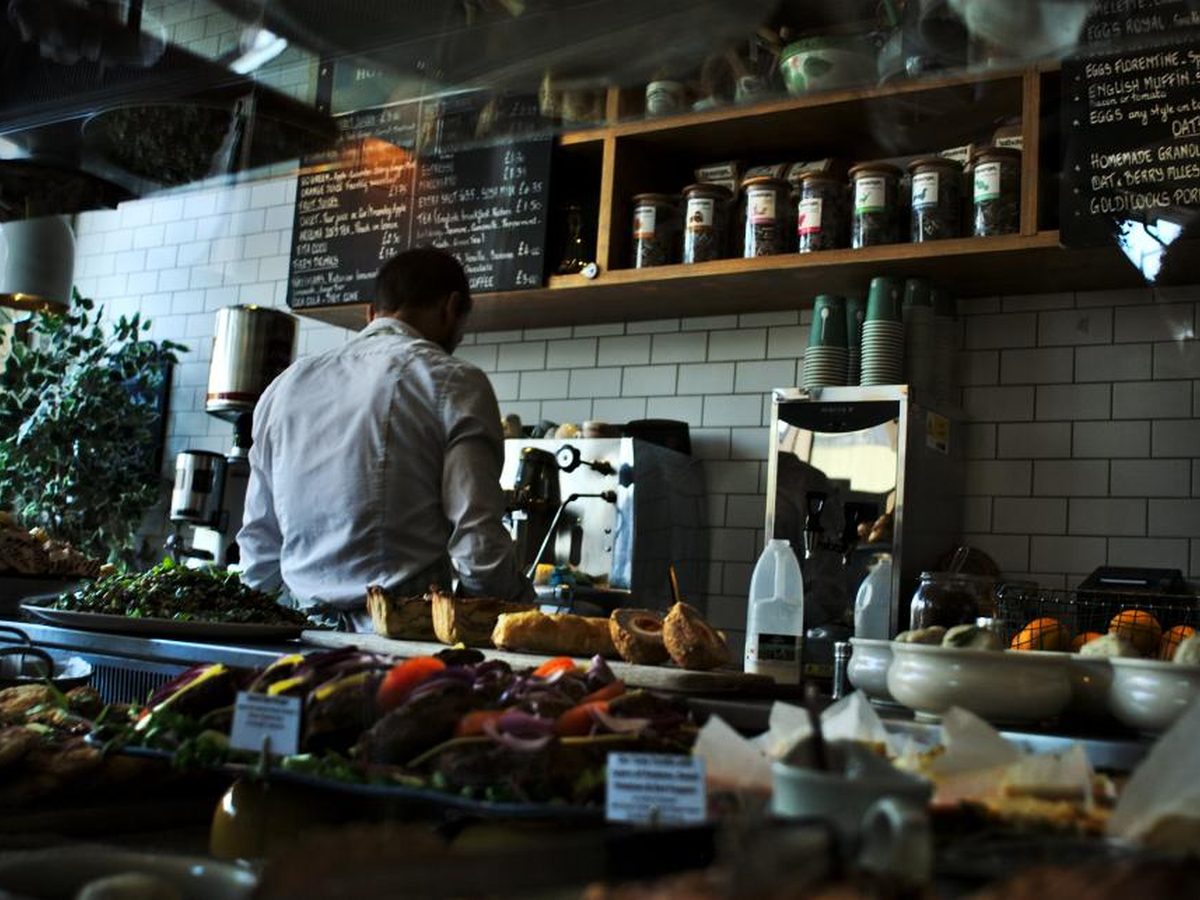
A six-person cafe with a catering arm used to get orders by email, phone, and web form, then copy them onto a whiteboard. Now orders from email and the form land in one sheet with a daily prep list. There were no missed orders in the first two months. Phone orders still get typed in by staff.
Tools by industry
The apps that need connecting differ by business. See where it fits in beauty and wellness, hospitality and events, coaching and online education, and e-commerce.
When your information also needs one place to live, see one home for your data. When you want the numbers turned into a monthly report, see reports that write themselves.
What we connect
Your store and your accounts
Orders, refunds, and stock in Shopify, Square, or WooCommerce lined up with Xero, MYOB, or QuickBooks, so the numbers match without a spreadsheet in the middle.
Your bookings and your messages
Visits in Fresha or Mindbody linked to Klaviyo or Mailchimp, so follow-ups go out from what really happened at each visit.
Every way enquiries come in
Website forms, Instagram messages, email, and phone notes gathered into one list each morning, sorted and ready to answer.
Your tools and your AI helper
Read access for your AI helper to the tool that holds the answers, so it drafts from your real orders, bookings, or prices.
Apps with no ready-made link
When two apps don't connect out of the box, we set up the link through Zapier, n8n, or the app's own connection, and write down how it works.
Tools we've connected for small teams

Rebooking follow-ups at Still Water Day Spa
Catering orders at a six-person cafe

One enquiry list for a solo business coach
Small teams we work with
How a solo business coach gathers enquiries from three places into one list each morning
How Still Water Day Spa lifted its rebooking rate from 31% to 44% in three months
How a six-person cafe gathered its catering orders into one sheet and missed none in two months
Common questions
What does connecting my tools mean?
Do I need to change the apps I use?
Can't I connect them myself with Zapier?
Why does AI need my tools connected?
What happens when an app updates and the link breaks?
What won't connecting fix?
Find the two apps worth connecting first
Tell the AI about your business, your goals, and where your week goes. Your plan will show which apps to connect first and what it would save you.
Get your AI Starter Plan