

What changed
We work with a six-person cafe with a catering arm. Catering orders came by email, phone, and the website form, and were copied onto a whiteboard. Orders now land in one sheet with a daily prep list, and the cafe missed no orders in the first two months. Phone orders are still typed in by staff.
Get your AI Starter Plan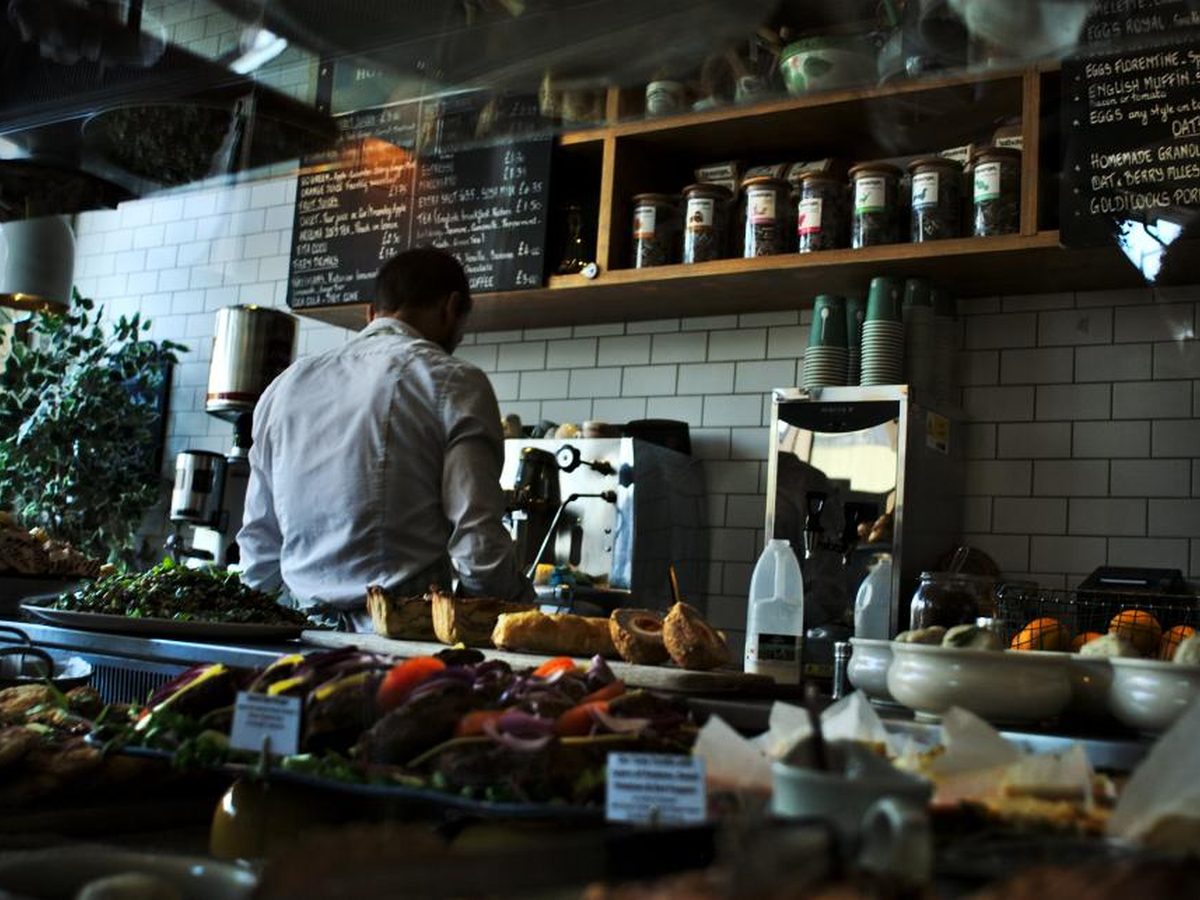
Orders in three places and a whiteboard
We work with a six-person cafe that also does catering for local offices and events. Catering orders came in by email, by phone, and through a form on the website. Whoever took an order copied it onto a whiteboard in the kitchen.
The whiteboard worked until it got busy. Orders got rubbed out early, copied with the wrong date, or never copied at all, and the kitchen found out when a customer rang to ask where their platters were.
What we set up
The main job was connecting the cafe’s tools (the industry calls these links data pipelines). Email orders from Gmail and website form orders now land in one Google Sheet. The AI reads each order and fills in the items, the number of serves, the date, and the delivery time. Paid orders are matched to the payment in Square.
Each morning, the sheet builds a prep list for the day, with every item and the serves needed. The kitchen works from that instead of the whiteboard.
What didn’t work the first time
Customers write orders in all sorts of ways. Our first version mixed up platters and single serves on a few orders, so the prep list was short on one day and long on another. Every order now records serves, and the kitchen checks the prep list each morning before prep starts.
What changed, and what still needs a person
The cafe missed no catering orders in the first two months after the sheet went live.
Phone orders are still typed in by staff, because they arrive by voice, often mid-service. The kitchen still checks the prep list each morning.
Where this fits
This is connecting your tools, with the AI reading the orders. If your orders live on a whiteboard, get your AI Starter Plan and tell it where your week goes.
What changed
No missed orders
The cafe missed no catering orders in the first two months after the sheet went live.
A prep list every morning
The kitchen gets a daily prep list built from the day's orders, with serves counted by item.
Phone orders by hand
Staff still type phone orders into the sheet.
This story uses our Connecting your tools service, set up mainly in Google Sheets , for a business in hospitality and events.
Other tools: Square, Gmail, Claude.
Read more: Connecting your tools for Hospitality and events .
More stories like this

How The Orchard Barn sends wedding quotes within a day instead of up to 3 days
How a solo business coach gathers enquiries from three places into one list each morning

How Still Water Day Spa lifted its rebooking rate from 31% to 44% in three months
Common questions
Where do the orders end up?
Why are phone orders still typed in?
Who checks the prep list?
Get every order in one place
Tell the AI about your business, your goals, and where your week goes, and you'll get a plan for where to start.
Get your AI Starter Plan